Custom Web Application Development: Complete Guide (2026)
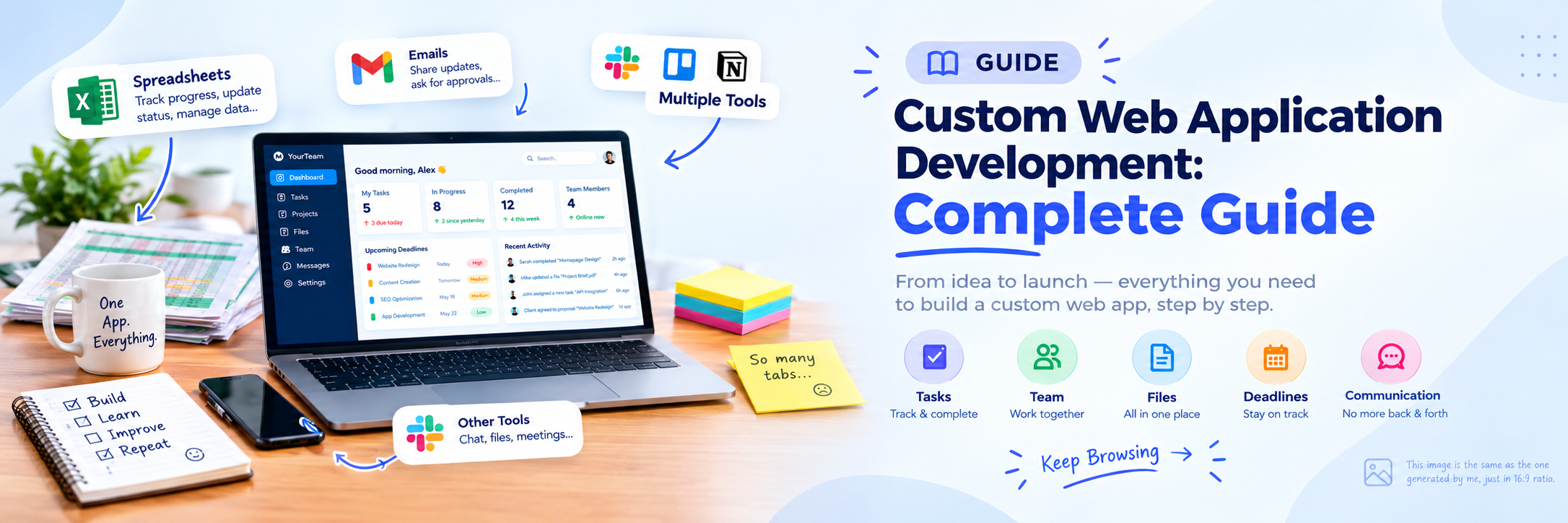
Quick question: Does your team still juggle spreadsheets, emails, and three different tools to finish one task? If yes, custom web application development might be the fix you need.
What Is Custom Web Application Development?
Custom web application development is the process of building software designed around one business's way of working. The app runs in a web browser, so users don't need to install anything. Common examples include booking systems, customer portals, inventory trackers, and internal dashboards.
Real-World Scenario
A clinic booked appointments by phone and wrote them in a notebook, so double bookings happened every week. A custom booking web app let patients pick open slots online and sent automatic reminders, and the double bookings stopped.
Myth vs. Fact About Custom Web Apps
Myth: "Custom software development is only for big companies."
Fact: Slack began as an internal chat tool that a small game studio built for its own team.
Myth: "You need every feature ready before launch."
Fact: Dropbox tested its idea with a short demo video before the product was fully built, and its beta waitlist grew from about 5,000 to 75,000 people almost overnight.
Off-the-Shelf vs. Custom Software: Which Fits You?
Factor Off-the-Shelf Software Custom Web App Setup speed Fast Slower Fits your process Partly Fully Monthly per-user fees Yes No Scalability Limited Built to scale Ownership The vendor owns it You own it
Self-Check: If "Fully" and "You own it" are must-haves for you, custom web app development is likely your path.
The Web Application Development Process in 6 Steps
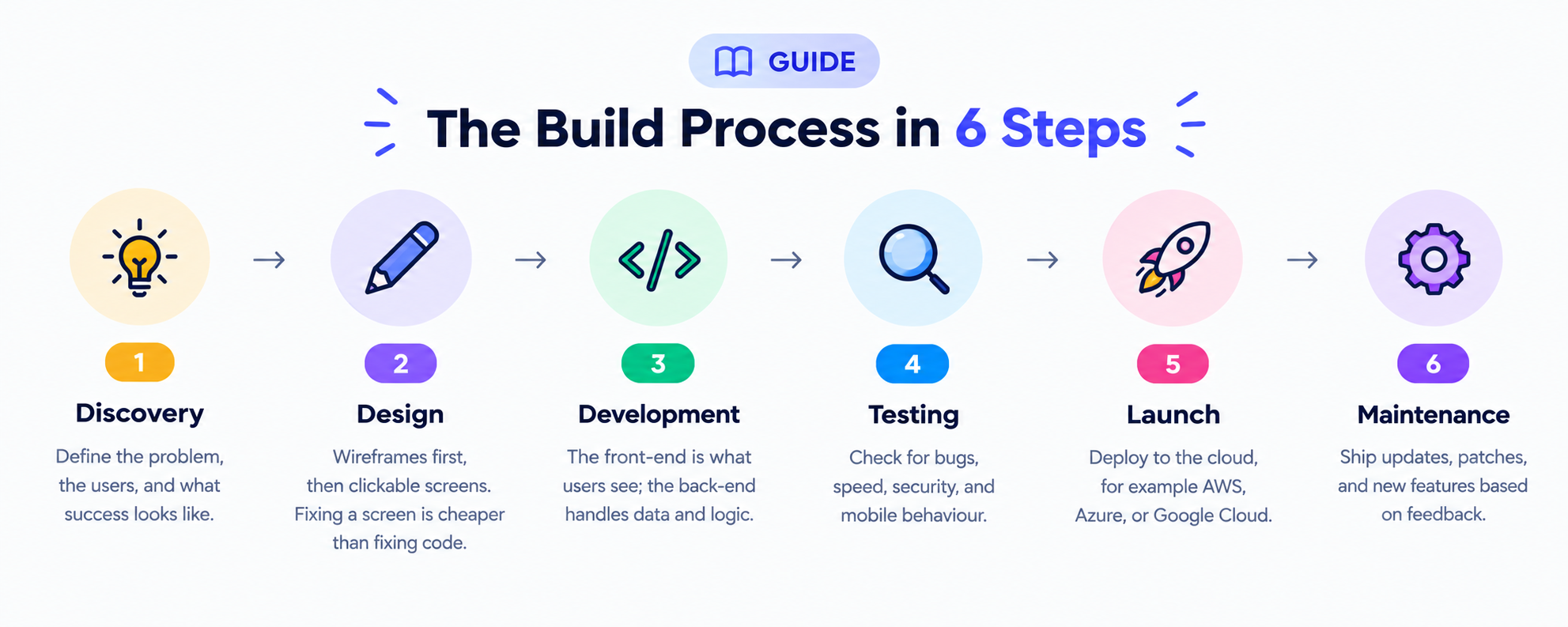
Step 1: Discovery
Define the problem, the users, and what success looks like.
Step 2: UI/UX Design
Create wireframes first, then clickable screens. Fixing a screen is cheaper than fixing code.
Step 3: Development
The front-end is what users see; the back-end handles data and logic.
Step 4: Testing
Check for bugs, speed, security, and mobile behaviour.
Step 5: Launch
Deploy to the cloud, for example AWS, Azure, or Google Cloud.
Step 6: Maintenance
Ship updates, security patches, and new features based on feedback.
Real-World Scenario
A retail store skipped mobile testing. On launch day, the checkout button was hidden on small screens, and sales dropped until a fix went live two days later.
Must-Have Features in Every Custom Web App
No matter what your app does, a few features are almost always needed:
Secure login: passwords, two-factor authentication, or Google sign-in
User roles: admins, staff, and customers see different things
Responsive design: the app works on phones, tablets, and desktops
Reports and dashboards: clear numbers that help you make decisions
Integrations: links to payment gateways, email, or accounting tools
Tip: Mark each feature as "must-have" or "later." This one step can save weeks of development time.
Fact Check: Web App Speed Is Not Optional
🔍 Did You Know?
Google's research found that 53% of mobile visitors leave a site that takes longer than 3 seconds to load.
What this means for you: Plan performance from day one. Adding it at the end rarely works.
MVP Development: Start Small, Grow Smart
An MVP (Minimum Viable Product) is the smallest version of your web app that solves the main problem. It's also the easiest way to control your web app development cost.
Real-World Scenario
Instagram started as "Burbn," a check-in app with too many features. The founders saw that users mostly shared photos, so they cut everything else and relaunched as Instagram.
✍️ Your Turn: Write down the one problem your app must solve. That's your MVP.
How Much Does Custom Web App Development Cost?
Prices vary widely by team location and app complexity, but here's a rough picture:
App Type Features Budget Level Simple app Forms, basic dashboard Lower Mid-level app User roles, payments, integrations Moderate Complex platform Real-time data, AI features, high traffic Highest
Rather than trusting a single number online, ask 2–3 development teams for a quote based on the same written feature list. This makes quotes easy to compare.
Don't Forget Hidden Costs: hosting, third-party tool subscriptions, and yearly maintenance, which is often estimated at around 15–20% of the original build cost.
How Long Does Custom Web App Development Take?
App Type Typical Timeline Simple app 2–3 months Mid-level app 4–6 months Complex platform 6+ months
4 Mistakes That Sink Web App Projects
Vague goals: "We want an app" is not a requirement.
Scope creep: Features added mid-build cause delays and raise the budget.
Security added last: Protecting user data must be planned from the start.
Choosing developers on price alone: A cheap build that needs a rebuild costs you twice.
Quick Quiz: Are You Ready to Build a Custom Web App?
Answer Yes or No:
Can you explain your app's main purpose in one sentence?
Do you know who your first users will be?
Have you listed must-have vs. nice-to-have features?
Do you have a budget for maintenance after launch?
Your Result:
3–4 Yes: You're ready to talk to web app developers.
1–2 Yes: Spend a week on planning first.
0 Yes: Start with Step 1, Discovery.
FAQs About Custom Web Application Development
Q1. How much does custom web application development cost?
Cost depends on features, design, integrations, and team location. Starting with an MVP keeps the first version affordable.
Q2. Is a custom web app better than off-the-shelf software?
It's better when your process is unique, you need to scale, or per-user fees are adding up.
Q3. Which technologies are used to build web applications?
Common choices include React or Angular for the front-end, and Node.js, Python, or .NET for the back-end.
Q4. Can I add new features after launch?
Yes. Custom web apps are built to grow, so you can add features in small updates as your business and user needs change.
Final Takeaway
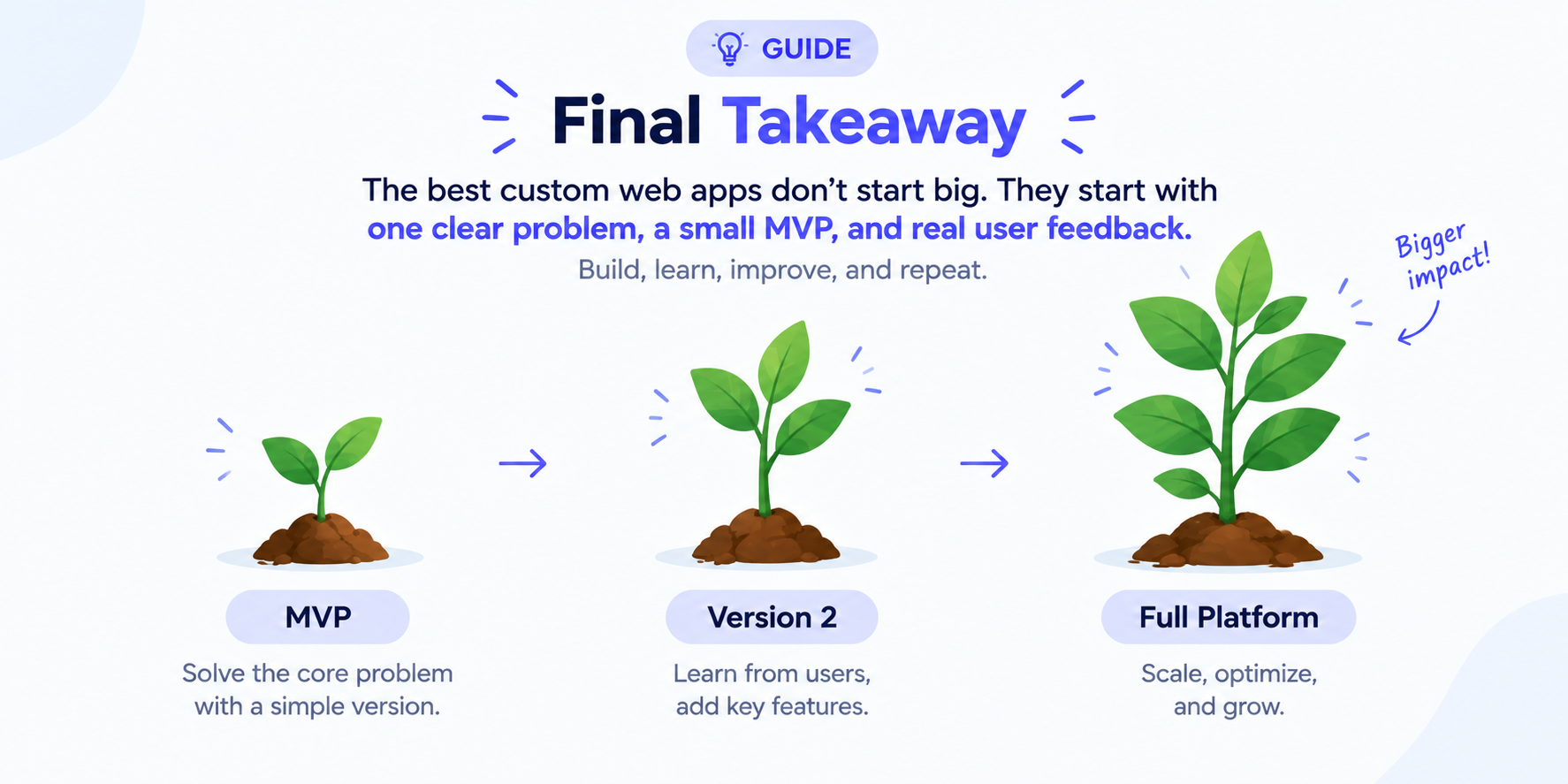
Successful custom web application development doesn't start big. It starts with one clear problem, a small MVP, and real user feedback. Build, learn, improve, and repeat.