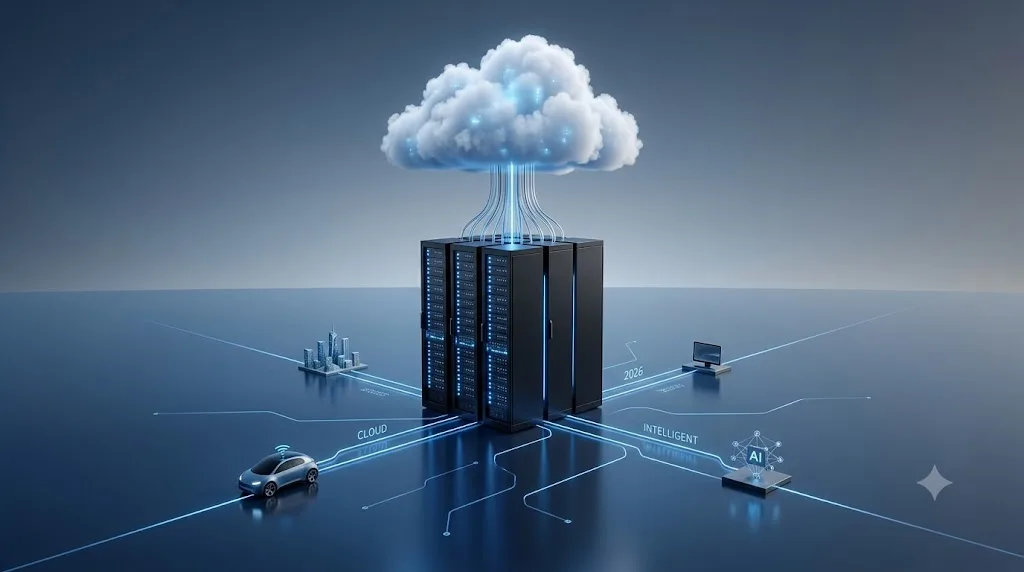
Ten years ago, explaining the cloud was straightforward: you told someone their photos were being saved on someone else's computer instead of eating up space on their phone. It worked as a simple mental shortcut, mostly because back then, consumer cloud tech really was just shared storage and hosted web pages.
That definition is hopelessly out of date now.
In 2026, you rarely interact with software that runs entirely on a single physical machine. When your navigation app reroutes you around sudden road work, when your bank flags a suspicious swipe before the receipt prints, or when an AI agent drafts test cases for your codebase, dozens of remote systems are talking to each other to make it happen.
If you are trying to understand what cloud computing actually means today and why businesses spend millions moving their workflows into it this breakdown covers how the pieces fit together.
Table of Contents
The Core Concept: Renting Utility Compute
How the Tech Works Under the Hood
The Three Big Service Models (IaaS, PaaS, SaaS)
Deployment Setups: Public, Private, and Hybrid
What Changed by 2026? AI, Edge, and Power Bills
Real-World Trade-offs: Why Companies Migrate (and Where They Struggle)
Final Thoughts
The Core Concept: Renting Utility Compute
At its most basic level, cloud computing is buying compute resources over the internet on demand, rather than purchasing physical hardware and keeping it in an office closet.
Before this setup became standard, launching a software product was slow and risky. You had to:
Guess how many servers you would need six months in advance.
Buy racks of hardware upfront with real cash.
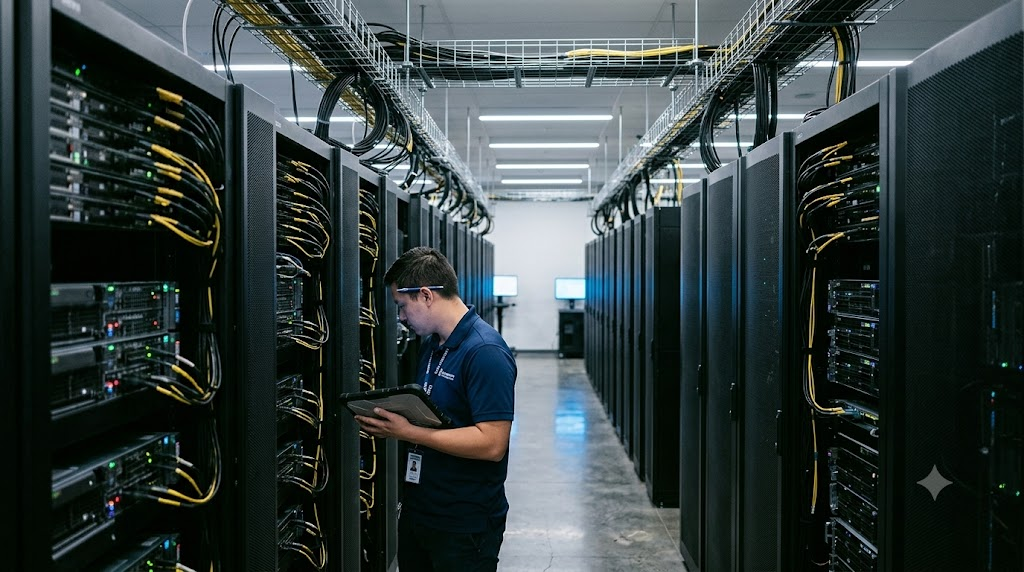
Rent floor space in a facility with reliable air conditioning and redundant power backup.
Keep technicians on call to swap out failing hard drives in the middle of the night.
If your product bombed, you were stuck with rooms full of depreciating metal. If your product went viral, your servers melted under the traffic before you could order new ones.
The cloud flipped that entire model into a utility bill. You turn the faucet on when you need water, and you shut it off when you are done. The provider deals with the pipes, the power, and the maintenance.
How the Tech Works Under the Hood
The foundation of modern cloud setups is virtualization.
Cloud providers fill football-field-sized data centers with commercial-grade rack servers. Instead of handing one entire machine to one customer, hypervisor software carves that physical machine into multiple isolated "virtual machines" (VMs) or lightweight containers.
Each virtual slice acts like its own standalone computer. It has its own operating system, memory allocation, and storage access, completely sealed off from the tenant sitting right next to it on the same physical motherboard.
Automatic Scaling in Practice
Let’s say you run a retail ticketing platform. On an average Tuesday afternoon, two small virtual servers handle your normal checkout traffic without breaking a sweat.
On Friday morning, a major concert tour goes on sale. Traffic spikes by 4,000% in ninety seconds.
Instead of your site crashing, automated scaling rules trigger. Your cloud provider spins up forty additional virtual servers across three separate regional data centers, balances incoming requests across all of them, and processes payments seamlessly. An hour later, when the rush ends, the extra instances shut down automatically, and your billing drops back to baseline.
The Three Big Service Models
Cloud architecture usually falls into one of three buckets, depending on how much control you want to keep versus how much maintenance you want to offload.
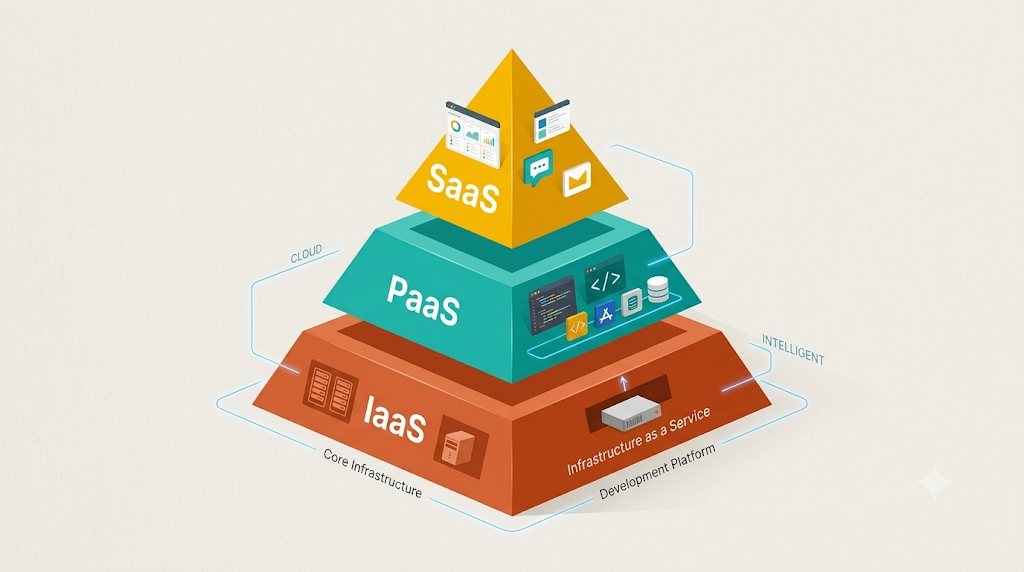
1. Infrastructure as a Service (IaaS)
This is raw access to the foundation. The provider sells you virtual machines, block storage, and network routing rules. You pick the operating system, configure the security firewalls, patch the kernel, and keep your runtime up to date.
Common Examples: Amazon EC2, Google Compute Engine, Microsoft Azure Virtual Machines.
Best For: System administrators and legacy enterprise software that needs custom network configurations.
2. Platform as a Service (PaaS)
PaaS removes server babysitting entirely. You write your application code locally, push your repository, and let the platform compile, deploy, run, and scale it automatically. You never touch an operating system or worry about OS updates.
Common Examples: Vercel, Supabase, Render, Google Cloud Run.
Best For: Product developers and startups who want to ship features quickly without hiring a dedicated DevOps team.
3. Software as a Service (SaaS)
This is ready-made software delivered through a browser or an API. You do not manage code, pipelines, or database schemas; you simply pay a subscription and use the product.
Common Examples: Google Workspace, Slack, Figma, Stripe, Salesforce.
Best For: Day-to-day business tools and operational workflows.
Deployment Setups: Public, Private, and Hybrid
Where your workloads physically sit depends on your security posture, legal constraints, and performance requirements:
Public Cloud: Resources owned by giants like AWS, Google, or Microsoft and rented out to millions of organizations. Cost-effective and infinitely scalable.
Private Cloud: Compute infrastructure built solely for one organization. It could live in an on-premises data center or within a dedicated, air-gapped environment managed by a hosting provider. Commonly used by defense contractors, banks, and healthcare networks.
Hybrid & Multi-Cloud: Combining public clouds with on premises servers or running workloads across two competing vendors at the same time. This avoids vendor lock-in and gives companies a fallback if a single provider has a regional outage.
What Changed by 2026? AI, Edge, and Power Bills
Cloud engineering in 2026 is no longer just about hosting websites or keeping files safe. Three shifts dominate current operations:
High-Density Compute for AI Workloads
Training and serving modern neural networks require thousands of specialized tensor processing units and GPUs linked with high-bandwidth interconnects. Almost no standard engineering firm can justify buying, cooling, and powering millions of dollars in silicon chips that go obsolete in eighteen months. Renting clusters on demand is the only practical way smaller teams can deploy competitive AI models.
Edge Computing to Beat Latency
Sending requests back and forth across oceans takes 150 to 300 milliseconds. That lag is acceptable for loading a blog post, but dangerous for robotic surgery, factory floor automation, or collision detection in smart cars. In 2026, cloud providers push compute logic to thousands of smaller distribution points (edge nodes) located close to cellular towers and regional exchanges, handling instant decisions locally while piping summary logs back to central databases later.
Aggressive FinOps and Power Awareness
Unchecked cloud bills have burned many tech startups. Companies now run automated FinOps tools to identify unattached storage volumes, downscale idle test environments on weekends, and schedule bulk data processing during hours when regional grids run on cheaper, cleaner energy.
Real-World Trade-offs: Why Companies Migrate (and Where They Struggle)
Moving to the cloud offers huge advantages, but it is not without real friction.
The Major Wins:
Zero hardware maintenance: No emergency trips to a freezing server room on a holiday weekend.
Fast experimentation: Testing a new idea takes ten minutes to configure instead of four weeks waiting on hardware deliveries.
Built-in redundancy: Losing an entire facility to a power outage does not take your business offline if your data is mirrored across multiple availability zones.
The Hidden Headaches:
Surprise billing: Misconfigured database queries or unchecked serverless executions can run up thousands of dollars in overnight charges if usage limits are not locked down.
Vendor lock-in: Relying on proprietary databases or proprietary cloud-native services makes switching providers down the road painful and expensive.
Complexity: Modern distributed setups require experienced engineers who understand networking, identity management, and distributed systems architecture.
Final Thoughts
The cloud is no longer a separate place where you save things when your laptop runs out of room. It is the basic operating layer of modern software. Whether you are ordering lunch, watching streaming video, or letting an automated assistant debug your work, you are relying on remote machines working together to deliver compute power right when you need it.
Learning how these systems fit together is no longer just useful for infrastructure engineers—it is fundamental knowledge for anyone building on the web today.